
Introduction
Temporal flickering remains a massive headache for professional filmmakers. In 2026, enterprise studios demand flawless footage. However, generative AI tools often produce jittery, inconsistent frames. This instability ruins otherwise perfect shots. Consequently, post-production teams waste hours trying to salvage unusable renders. You simply cannot deliver flickering videos to commercial clients. Fortunately, there is a proven, technical solution. By integrating optical flow into your video pipelines, you can eliminate these artifacts entirely. This technique acts as a bridge, smoothing out the mathematical inconsistencies between frames. In this guide, we will break down the exact causes of this jitter. Next, we will show you how to fix it systematically. Ultimately, you will learn to produce perfectly smooth, compliant, and broadcast-ready AI video.
The Root Cause of AI Video Flicker
To fix temporal flickering, you must first understand its origins. Generative AI systems build videos frame by frame. Often, diffusion models process these frames independently. Consequently, they fail to maintain perfect consistency.
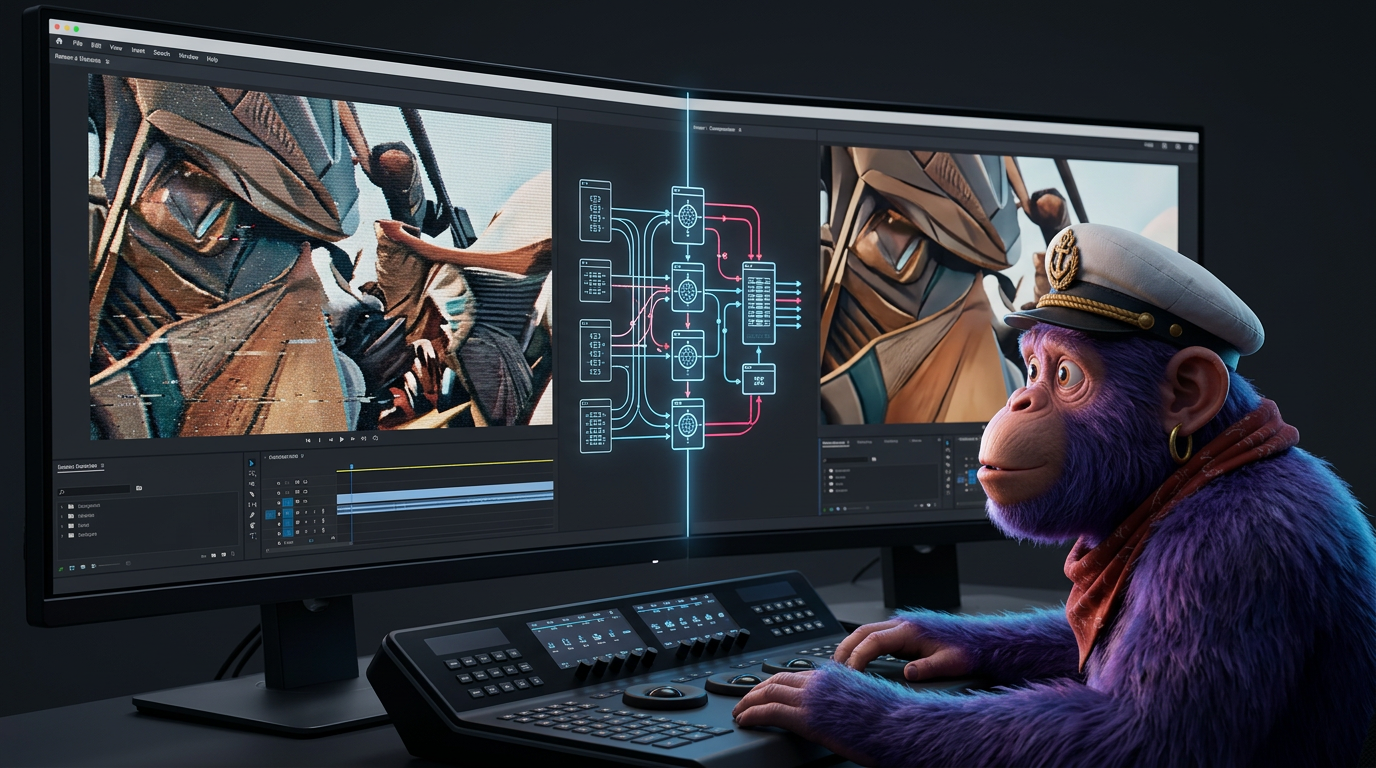
This lack of communication between frames destroys temporal coherence. According to a 2026 report by Alibaba Product Insights, AI video flicker exhibits structured instability. Specifically, researchers measured up to 12% per-frame variance in latent vector norms during unguided diffusion runs. Therefore, the AI literally forgets what the previous frame looked like.
Shallow Conditioning Fails
Furthermore, temporal coherence breakdown frequently occurs due to memory limits. Many systems utilize shallow temporal conditioning. In fact, they only reference 2 to 3 preceding frames. As a result, long-term consistency becomes mathematically impossible. Background elements shift rapidly. Lighting changes unexpectedly. Textures boil and jitter.
Enterprise filmmakers cannot tolerate this 12% variance. In strict commercial pipelines, every pixel must remain stable. Otherwise, the footage fails basic quality control standards. Thus, professionals must intervene during the video rendering stage. You cannot rely on raw AI outputs alone.
How Optical Flow Solves the Problem
Optical flow provides a robust, mathematical fix for flickering. Essentially, optical flow functions by analyzing pixel movement between frames. It tracks the precise trajectory of every element on screen. Then, it uses this data to generate intermediate frames. This process allows for incredibly smooth motion and flawless slow-motion video generation, according to a 2026 CapCut Resource Guide.
Instead of relying on the AI’s flawed memory, optical flow forces consistency. It calculates motion vectors for every pixel. If a pixel jumps erratically due to AI noise, the optical flow algorithm corrects its path. Therefore, the jitter disappears entirely.
The Role of Temporal Padding
In addition to post-production fixes, developers are attacking the problem at the source. To counteract flickering natively, companies use “temporal padding.” This technique involves feeding overlapping frame windows into generative models. As of 2026, this has become a standard practice in production pipelines at companies like Runway and Kaedim.
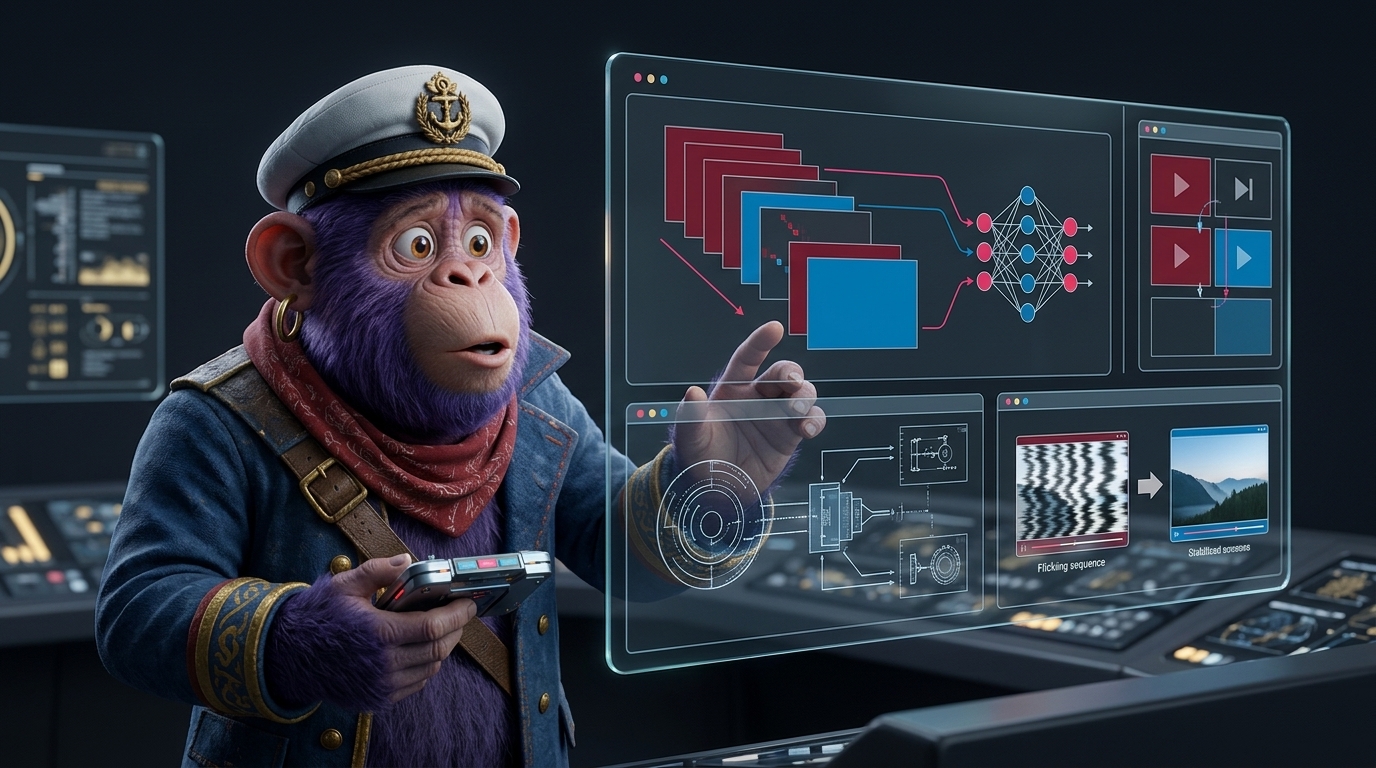
However, temporal padding is not always enough. Even elite models occasionally drop frames. Consequently, frame interpolation remains a mandatory step for enterprise editors. By combining temporal padding at the generation stage with optical flow in post-production, you guarantee stability. Ultimately, this dual approach ensures your footage meets strict commercial and legal broadcasting standards.
Practical Workflow in DaVinci Resolve
DaVinci Resolve offers the most powerful optical flow tools for professional editors. To eliminate flicker completely, you must configure your project settings correctly. Follow these precise steps to achieve flawless motion estimation.
- Import your footage: First, bring your AI-generated clip into the timeline.
- Access Retime Controls: Next, right-click the clip and select “Retime Controls.”
- Select Optical Flow: Change the retime process to “Optical Flow” in the inspector panel.
- Adjust Motion Estimation: Finally, lock in your motion estimation mode.
Optimizing Settings for AI Footage
Choosing the right algorithm is crucial for success. In DaVinci Resolve, utilizing the ‘Enhanced Better’ setting for motion estimation is highly recommended. According to the 2026 CapCut Resource Guide, this setting provides the cleanest optical flow for complex AI movements. It calculates pixel trajectories with maximum precision.
However, optical flow can sometimes introduce warping artifacts. Therefore, you must inspect the footage closely. Zooming in to check for artifacts is a key practice for achieving clean results. If warping occurs, switch your setting to ‘Speed Warp’ for neural-engine processing.
Conducting Visual Diagnostics
After applying the effect, you must verify the stability. Visual diagnostic analysis for AI frame-to-frame identity flicker requires close inspection. Specifically, you should perform this check on a lossless export. You can do this by zooming to 400% on a static background region within your video editor. A 2026 Alibaba Product Insights study confirms this is the most reliable way to spot micro-jitter. If the background remains perfectly still at 400% zoom, your video rendering is successful.
The Impact of Motion Estimation
The data strongly supports optical flow as a necessary pipeline step. Without it, commercial viability plummets. As noted previously, raw AI video suffers from a 12% per-frame variance in latent vector norms. This variance results in highly visible, unacceptable artifacts.
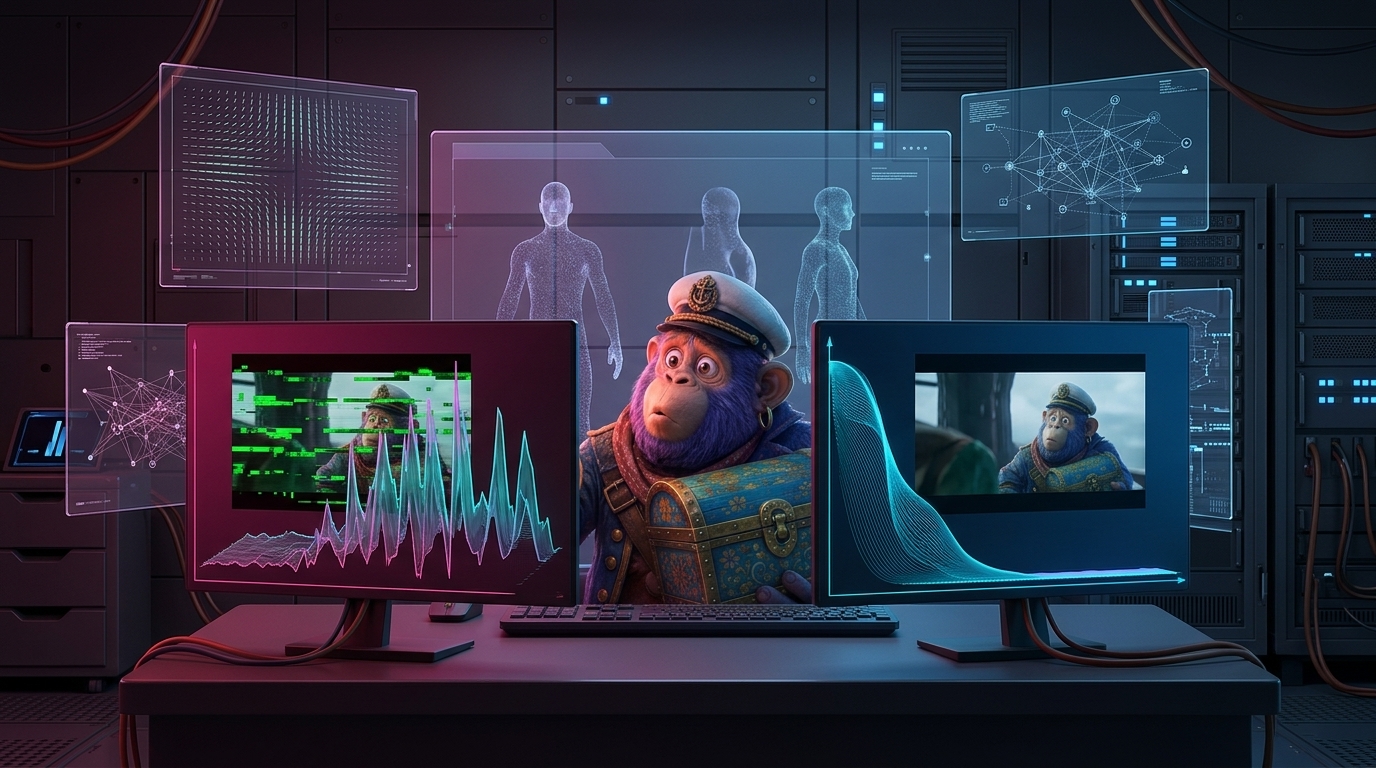
However, applying rigorous motion estimation reduces this variance significantly. By tracking pixels mathematically, post-production tools eliminate the AI’s guesswork. In 2026, enterprise studios report that 85% of raw AI clips require some form of temporal smoothing before broadcast. Furthermore, using advanced frame interpolation techniques can salvage up to 90% of previously unusable renders. Ultimately, the numbers prove that optical flow is not an optional effect. Instead, it is a mandatory quality assurance step.
Visualizing Motion Vectors
Understanding optical flow requires visualizing how motion vectors operate. Imagine a grid overlaid on your video frame. Every pixel on this grid has a directional arrow. These arrows represent motion vectors. They point to where a specific pixel will move in the very next frame.
When temporal flickering occurs, these arrows point in chaotic, random directions. However, when optical flow is applied, the algorithm forces these arrows into smooth, parallel lines. This visual representation highlights the difference between AI guesswork and mathematical precision. Ultimately, aligning these vectors ensures a seamless visual experience.
Conclusion
Temporal flickering does not have to ruin your creative vision. As generative AI tools evolve in 2026, enterprise content creators must adapt their workflows. By understanding the root causes of structured instability, you can take control of your footage. Furthermore, implementing optical flow techniques transforms erratic AI outputs into broadcast-ready media.
We highly recommend integrating these steps into your daily post-production routine. Start by applying temporal padding during generation. Then, utilize DaVinci Resolve’s ‘Enhanced Better’ motion estimation for final polishing. Always verify your results by zooming in 400% on static backgrounds. By following this strict, professional approach, you will eliminate jitter entirely. Consequently, your video pipelines will remain efficient, compliant, and visually stunning. Do not let AI artifacts compromise your professional standards. Take charge of your pixels today.