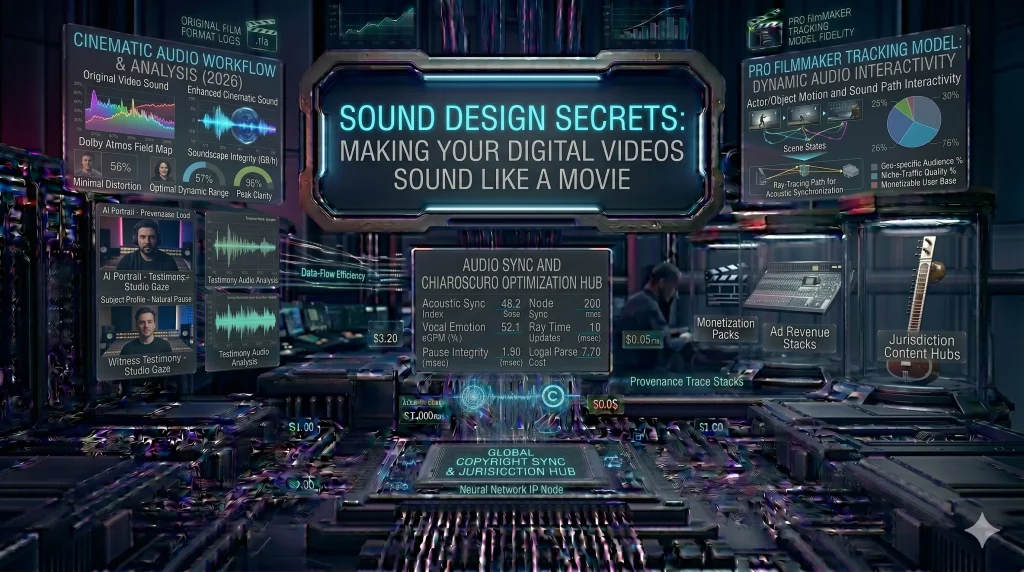

Most amateur creators focus 90% of their energy on the camera, but professional filmmakers know a secret: Audio is 50% of the viewing experience. You can look at a blurry image, but you will turn off a video with “hissing” or “thin” audio immediately.
In 2026, thanks to AI-powered spatial audio and advanced VSTs, you can achieve a “Netflix-quality” soundscape from your home studio. Here is how to master sound design for your digital content.
1. The Power of ‘Room Tone’ and Ambience
One of the biggest mistakes creators make is recording in a “dead” room or having “choppy” audio cuts.
- The Secret: Always record 30 seconds of “silence” in your room before you start. This is your Room Tone.
- The Technique: Layer this room tone under your entire edit. It smooths out the transitions between your talking clips and makes the audio feel continuous and professional.
2. Using ‘Foley’ to Create Realism
Foley is the reproduction of everyday sound effects that are added in post-production.
- Why it matters: If you have a shot of someone drinking water or walking on gravel, the “on-camera” mic usually misses the crispness of those sounds.
- The 2026 Shortcut: You don’t need a professional Foley stage. Use AI libraries like Epidemic Sound or Adobe Stock Audio to find “Organic” sound effects. Layer them at 20% volume to make your visuals “pop.”
3. The ‘Radio Voice’ (EQ and Compression)
To get that deep, authoritative “Bollywood Narrator” or “Podcast” voice, you need two specific tools:
- The Equalizer (EQ): Boost the “Lows” (around 100Hz–200Hz) slightly for warmth, and the “Highs” (around 5kHz) for clarity.
- The Compressor: This levels out your voice so your “whispers” are audible and your “shouts” don’t distort the speakers. In 2026, tools like Adobe Podcast AI can do this automatically with one click.
4. Spatial Audio: Designing the 3D Space
With more people wearing high-end earbuds in 2026, Spatial Audio is a game changer.
- The Technique: Use “Panning” to move sounds. If a car drives across the screen from left to right, your audio should follow that exact path. It creates an “Immersive” experience that keeps viewers glued to the screen.
5. Sound as a Transition Tool (The ‘J-Cut’ and ‘L-Cut’)
- The J-Cut: The audio of the next scene starts before the video changes. (Great for building anticipation).
- The L-Cut: The audio of the current scene continues into the next video clip. (Great for smooth storytelling).
While good [Budget Microphones] are the starting point, the real magic happens in the sound design phase.
Also Check: The Global Voice Over: ElevenLabs Video Translation vs. HeyGen 3.0