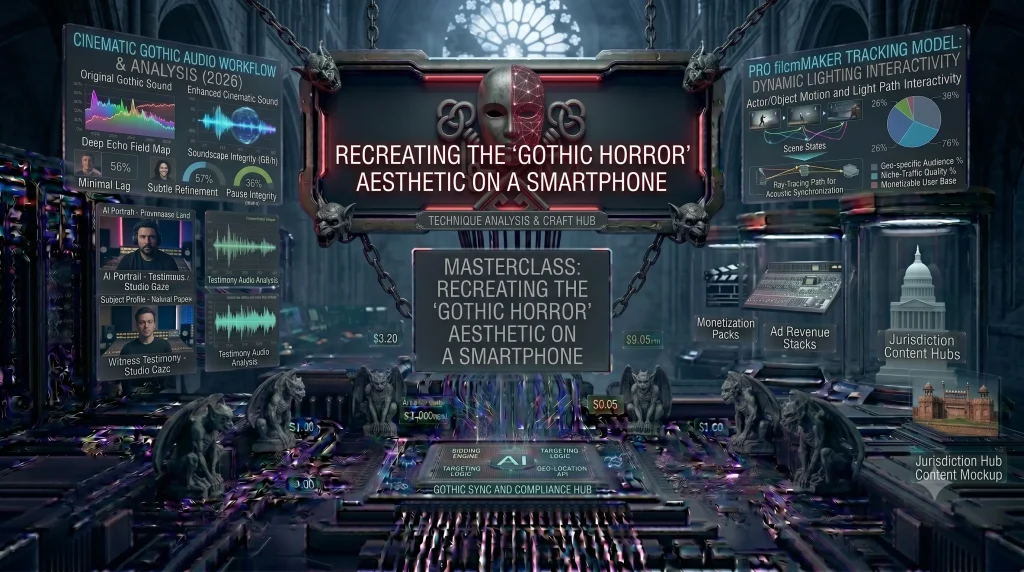

The Gothic Horror aesthetic—defined by brooding shadows, cold color palettes, and a sense of “domestic unease”—is no longer reserved for high-budget studios. With the advanced sensors on 2026 smartphones and the rise of AI-powered editing, any creator can turn their living room into a haunted mansion.
Here is how to master the “Modern Goth” look using the tools already in your pocket.
1. The Lighting: Embracing the Chiaroscuro Effect
In Gothic filmmaking, what you don’t see is more important than what you do. The key is Chiaroscuro—the bold contrast between light and dark.
- The Single Light Source: Turn off all overhead lights. Use a single LED tube light or even a desk lamp placed at a 45-degree angle to your subject.
- Creating Shadows: Use “flags” (pieces of black cardboard) to block light from hitting the walls. You want your subject to emerge from pure darkness.
- Pro-Tip: Use a low ISO setting (400–800) to keep your blacks “inky” and avoid digital noise in the shadows.
2. The Color Palette: ‘Midnight Cathedral Shadows’
Gothic horror isn’t just “black and white.” In 2026, the trend is toward deep, somber tones like faded stone, cold blues, and desaturated burgundy.
- Color Grading: In apps like CapCut or VN Editor, drop the “Saturation” by 20% and the “Vibrance” by 15%.
- The Tint: Shift your “Shadows” toward blue or teal and your “Highlights” toward a pale, sickly yellow or grey. This creates an unsettling, “aged” look.
3. Using AI to Enhance the Atmosphere
2026 mobile apps now feature Generative AI overlays that can add texture to your shot without a smoke machine.
- Digital Fog: Use AI Replace features (available in apps like YouCam Perfect or FxGuru) to add wisps of moving fog or eerie silhouettes in the background.
- Texture Overlays: Add a “Film Grain” or “Dust” overlay to make the digital footage feel like old 16mm film stock.
4. Sound Design: The Uncanny Valley
A Gothic film is 50% sound. To create unease, you need to layer your audio:
- Ambient Drone: Use a low-frequency bass hum in the background.
- Isolated Sounds: Enhance the sound of footsteps, a ticking clock, or a distant creak. In 2026, most mobile editors allow for Multi-track Audio—use it to layer at least 4 different sounds.
5. Essential 2026 Apps for the Goth Look
- LumaFusion: For desktop-level color correction on your iPad/iPhone.
- FxGuru: For adding high-quality supernatural overlays (ghosts, eerie shadows).
- CyberLink PowerDirector: For its advanced AI-denoising tools, which are essential for low-light horror shots.
Just as we see in the [Rise of Pan-Indian Cinema], visual atmosphere is often the true star of the show. pending linlk