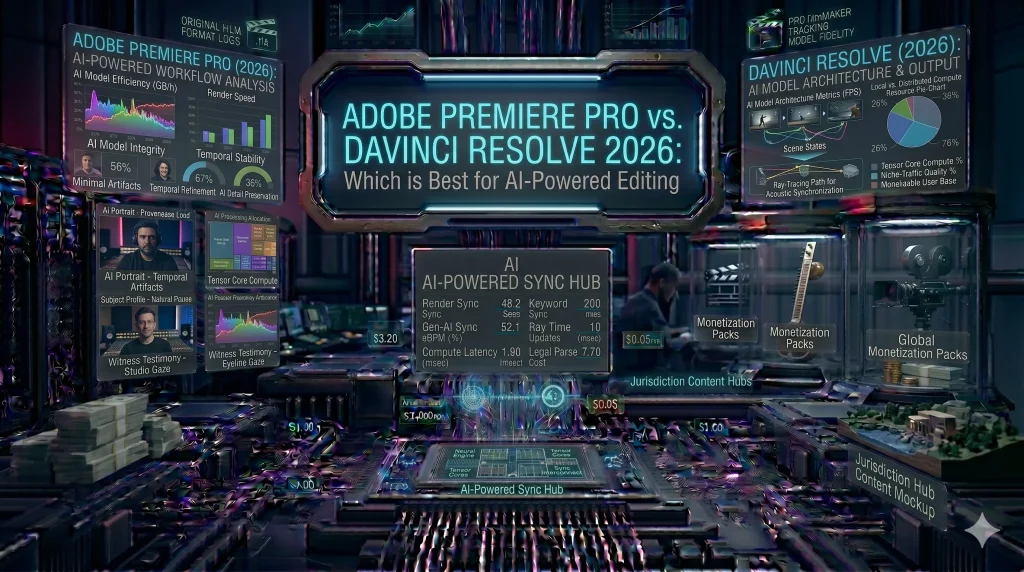

In 2026, the debate between Adobe Premiere Pro and Blackmagic Design’s DaVinci Resolve has shifted from simple “editing features” to AI integration and processing efficiency. Both platforms have integrated massive neural engines, but they serve two very different types of creators.
If you are a beginner or a pro looking to upgrade your workflow this year, here is the definitive breakdown of how these giants compare in the age of AI.
1. AI Features: The Battle of the Neural Engines
- Adobe Premiere Pro: Adobe’s “Media Intelligence” and Firefly integration are built for speed. Its standout 2026 feature is Generative Extend, which allows you to literally “create” extra frames at the beginning or end of a clip if you cut it too short. It also leads in Text-Based Editing, allowing you to edit your video by simply deleting words in a transcript.
- DaVinci Resolve: Resolve’s “DaVinci Neural Engine” is focused on Visual Fidelity. Its 2026 AI Set Extender can expand a scene beyond its original boundaries, and its Magic Mask is still the industry leader for isolating subjects in seconds.
2. Pricing Models: Subscription vs. Ownership
This is often the deciding factor for many new creators:
- Adobe Premiere Pro: Operates on a Subscription Model (approx. $22.99/month). While this is a recurring cost, it gives you constant updates and seamless integration with Photoshop and After Effects.
- DaVinci Resolve: Offers a Truly Free Version that is more powerful than most paid competitors. The “Studio” version is a One-Time Purchase ($295), which many find more economical over a 3-year period.
3. Hardware and Performance
- The GPU King: DaVinci Resolve is notoriously heavy on the GPU. If you have a high-end graphics card (like an RTX 50-series), Resolve will fly, offering near-instant rendering.
- The Flexible Veteran: Premiere Pro relies more on the CPU. It is generally more optimized for a wider range of laptops and mid-tier computers, making it more accessible if you don’t have a $3,000 workstation.
4. Color Grading: The Industry Standard
There is no contest here—DaVinci Resolve remains the “King of Color.” Its node-based workflow allows for cinematic grading that Premiere’s Lumetri Color panel simply cannot match. If you are aiming for a “Bollywood Film Look” or high-end cinematic aesthetics, Resolve is your tool.
5. Learning Curve: Ease of Use
- Premiere Pro: Uses a traditional timeline that most people find intuitive within an hour.
- DaVinci Resolve: Uses “Pages” (Cut, Edit, Color, Fusion, Audio). While powerful, it can be overwhelming for a complete beginner to navigate at first.
Final Verdict: Which One Should You Choose?
- Choose Adobe Premiere Pro if: You work across multiple Adobe apps, need to edit fast social media content via text, and prefer a monthly low-cost entry.
- Choose DaVinci Resolve if: You want the best color in the world, hate monthly subscriptions, and have a powerful computer to handle its advanced AI features.
Best Laptops for Video Editing link pending